
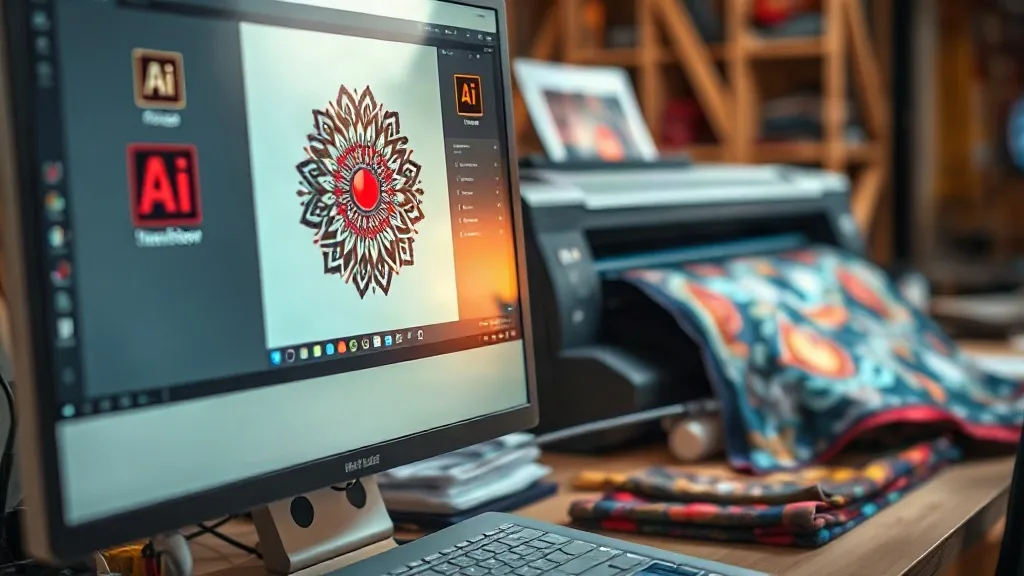
When you dive into the world of dtf transfers, you quickly realize that the difference between a good print and a great one often comes down to design. It's not just about having a cool graphic; it's about understanding how your digital file translates onto a physical transfer. Whether you're a small business owner looking to expand your product line or a hobbyist wanting to customize your own apparel, mastering the design phase is crucial. In this guide, we'll walk you through the essential steps to design DTF transfers that not only look stunning but also stand the test of time.
Why Design Matters in DTF Printing
DTF printing, or direct-to-film, is a relatively new technology that has taken the garment decoration industry by storm. Unlike other methods, DTF allows for vibrant, full-color prints on a wide range of fabrics, including cotton, polyester, and blends. But the magic starts with your design file. A poorly prepared file can lead to dull colors, misaligned prints, or even transfer failure. On the other hand, a well-designed file ensures that your dtf transfers come out sharp, colorful, and durable.
One of the biggest advantages of DTF is that it doesn't require pre-treatment of the fabric, which saves time and money. However, this also means that the quality of your print relies heavily on the design itself. If your file isn't optimized for DTF, you might end up with a subpar result. That's why taking the time to design properly is an investment worth making.
Choosing the Right Software and Tools
Before you start designing, you'll need the right tools. While you can use any graphic design software, some are better suited for DTF than others. Adobe Photoshop and Illustrator are industry standards, but free alternatives like GIMP or Inkscape can also work if you know what you're doing. The key is to ensure your software supports high-resolution output and color management.
Vector vs. Raster: Which Is Better?
In DTF printing, vector files (like AI or EPS) are generally preferred over raster files (like JPEG or PNG) because they can be scaled infinitely without losing quality. However, if your design includes complex textures or gradients, a high-resolution raster file (at least 300 DPI) can work just as well. Just be mindful of the final print size: the larger the print, the higher the resolution needs to be to avoid pixelation.
Setting Up Your File for Success
Proper file setup is the foundation of a great DTF transfer. Here are the key steps to follow:
- Resolution: Always design at 300 DPI or higher. This ensures that your print will be crisp and detailed, even when viewed up close.
- Color Mode: Use CMYK color mode, as DTF printers use CMYK inks. Designing in RGB can lead to unexpected color shifts when printed.
- Color Profiles: Install the correct ICC profile for your DTF printer. This helps ensure that the colors you see on your screen match the final output as closely as possible.
- Background: Remove any background from your design. DTF transfers are printed with a white ink layer, so any background will be printed as well, which is usually not desired.
- Mirroring: Remember to mirror your design horizontally before printing. DTF transfers are applied face-down, so the image must be flipped.
By following these steps, you'll avoid common pitfalls and ensure that your dtf transfers come out perfectly every time.
Color Management: Getting Vibrant Results
Color is one of the most critical aspects of DTF printing. The technology allows for incredibly vibrant colors, but achieving them requires careful management. Start by calibrating your monitor to ensure that what you see is what you get. Then, use the printer's ICC profile to soft-proof your design. This simulates how the colors will appear when printed.
Another tip: avoid using pure black (RGB 0,0,0) for large areas. Instead, use a rich black (e.g., C:60 M:40 Y:40 K:100) to get a deeper, more professional look. Also, be cautious with gradients and fine details; they can sometimes band or lose definition in DTF printing. Test prints are your friend here.
Designing for Durability
DTF transfers are known for their durability, but the design itself can impact how long a print lasts. Here are some design considerations to enhance longevity:
- Avoid very thin lines: Thin lines may not adhere well and can crack or peel over time. Use a minimum line weight of 1 point.
- Use solid colors: Large areas of solid color tend to hold up better than intricate patterns with many small details.
- Consider the fabric: If you're printing on stretchy fabrics, design with some flexibility in mind. Avoid rigid geometric shapes that might crack when stretched.
By keeping these tips in mind, you'll create designs that not only look great but also withstand the rigors of everyday wear.
Finding Local DTF Transfer Services
If you're not ready to invest in your own DTF printer, you can still access high-quality transfers through local services. Searching for dtf transfers near me can help you find a provider that offers quick turnaround and professional results. When choosing a service, ask about their color management practices and whether they provide proof prints. A good provider will work with you to ensure your design translates perfectly.
Common Design Mistakes to Avoid
Even experienced designers can make mistakes when preparing files for DTF. Here are some common pitfalls to watch out for:
- Forgetting to mirror: This is the most common mistake. Always double-check that your design is mirrored before printing.
- Using low-resolution images: Images pulled from the web are often low-res and will print poorly. Always use high-quality sources.
- Ignoring the white layer: The white ink layer is what makes DTF prints opaque on dark fabrics. If your design has white elements, ensure they are set up correctly.
- Overcomplicating with effects: While drop shadows and glows can look cool on screen, they may not translate well to print. Keep it simple.
By avoiding these mistakes, you'll save time, money, and frustration.
Frequently Asked Questions
What resolution should I use for DTF transfers?
Always use a minimum of 300 DPI at the final print size. For larger prints, you may need to increase the resolution to maintain quality.
Can I use RGB color mode for DTF printing?
It's not recommended. DTF printers use CMYK inks, so designing in RGB can cause color shifts. Always convert your design to CMYK before printing.
How do I ensure my DTF transfers are durable?
Use solid colors, avoid very thin lines, and consider the fabric type. Proper application also plays a big role, so follow the transfer instructions carefully.
Where can I find DTF transfer services near me?
Search online for dtf transfers near me to locate local providers. Check reviews and ask for sample prints to ensure quality.
Do I need special software for DTF design?
No, but you need software that supports high-resolution output and color management. Adobe Photoshop or Illustrator are popular choices, but free alternatives can work if you know how to use them.
Designing for DTF transfers is a blend of art and science. With the right approach, you can create prints that are not only beautiful but also durable and professional. Whether you're printing for personal use or for your business, these tips will help you get the most out of this exciting technology. So go ahead, fire up your design software, and start creating!